Swift vs Objective-C: Key Differences & Which to Choose?
Swift vs Objective-C compared on safety, concurrency, performance, interop and hiring, plus a practical playbook for migrating legacy iOS code.
Nov 17, 2026 App Development, Artificial Intelligence
Most AI features in mobile apps still depend on a server. Every summary, reply suggestion or image check travels to the cloud and back, adding cost, latency and privacy questions to each request. On-device AI changes that model, and both Android and iOS now give app teams the tools to build it into production apps.
On-device AI means the AI model runs directly on the user’s phone, using the device’s own processor and neural hardware. The data stays on the device, the feature works offline, and there is no per-request cloud bill. Phones have run small machine learning tasks locally since 2017, but running full language models on a phone has only recently become practical for everyday apps.
This guide covers the on-device AI frameworks available on Android, iOS and cross-platform stacks, the features you can build with them, real industry use cases, and a step-by-step process to build on-device AI into your mobile app.
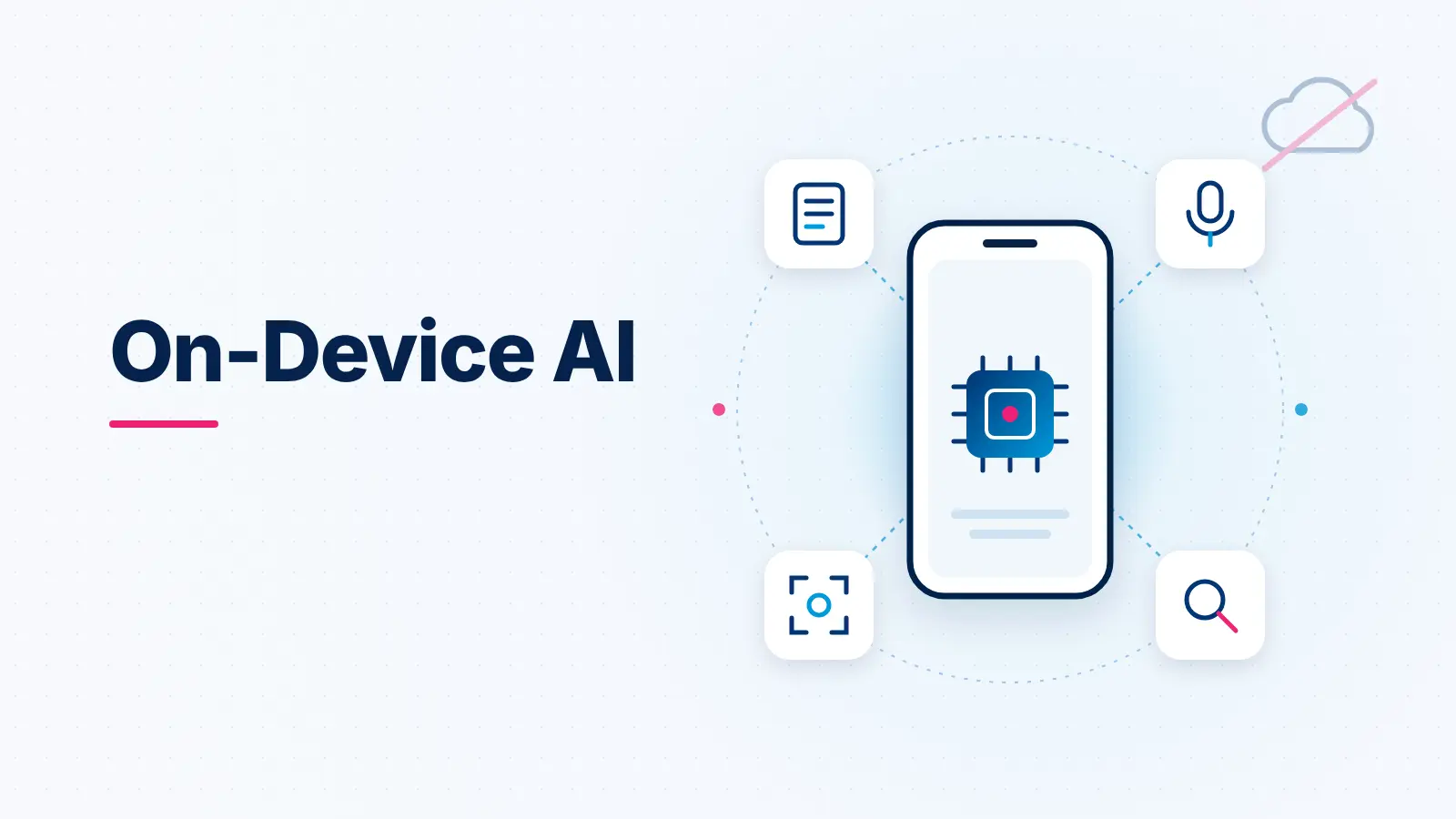
The biggest shift is that the model now ships with the operating system. Google runs Gemini Nano inside Android’s AICore system service, and Apple gives developers direct access to the model behind Apple Intelligence. App teams no longer need to bundle, host or license a language model to add generative features.
That change brings four practical benefits for businesses building on-device AI for mobile apps.
Cloud AI is billed per request or per token, so costs grow with every active user. When inference runs on the phone, the marginal cost of each AI request is close to zero. For high-volume features such as smart replies, search or summarization, this can change the economics of the whole product.
Sensitive inputs like health notes, financial documents and private messages never leave the device. As Google’s Gemini Nano documentation explains, the model works without a network connection and does not send data to the cloud. For apps in regulated industries, keeping data local makes compliance conversations much simpler.
There is no network round trip, so responses start almost immediately and keep working on a plane, in a basement or in areas with poor coverage. Field teams, travelers and healthcare workers benefit the most.
Mobile platforms are moving toward assistants that act inside apps on the user’s behalf. Android’s AppFunctions let apps expose tasks that agents such as Gemini can discover and run locally. Apps that adopt edge AI in mobile apps early will be better placed as these assistant experiences grow.
If you are still mapping where AI fits in your product, our overview of AI in mobile app development covers the broader picture beyond on-device models.
Also Read: How Much Does It Cost to Develop an AI App
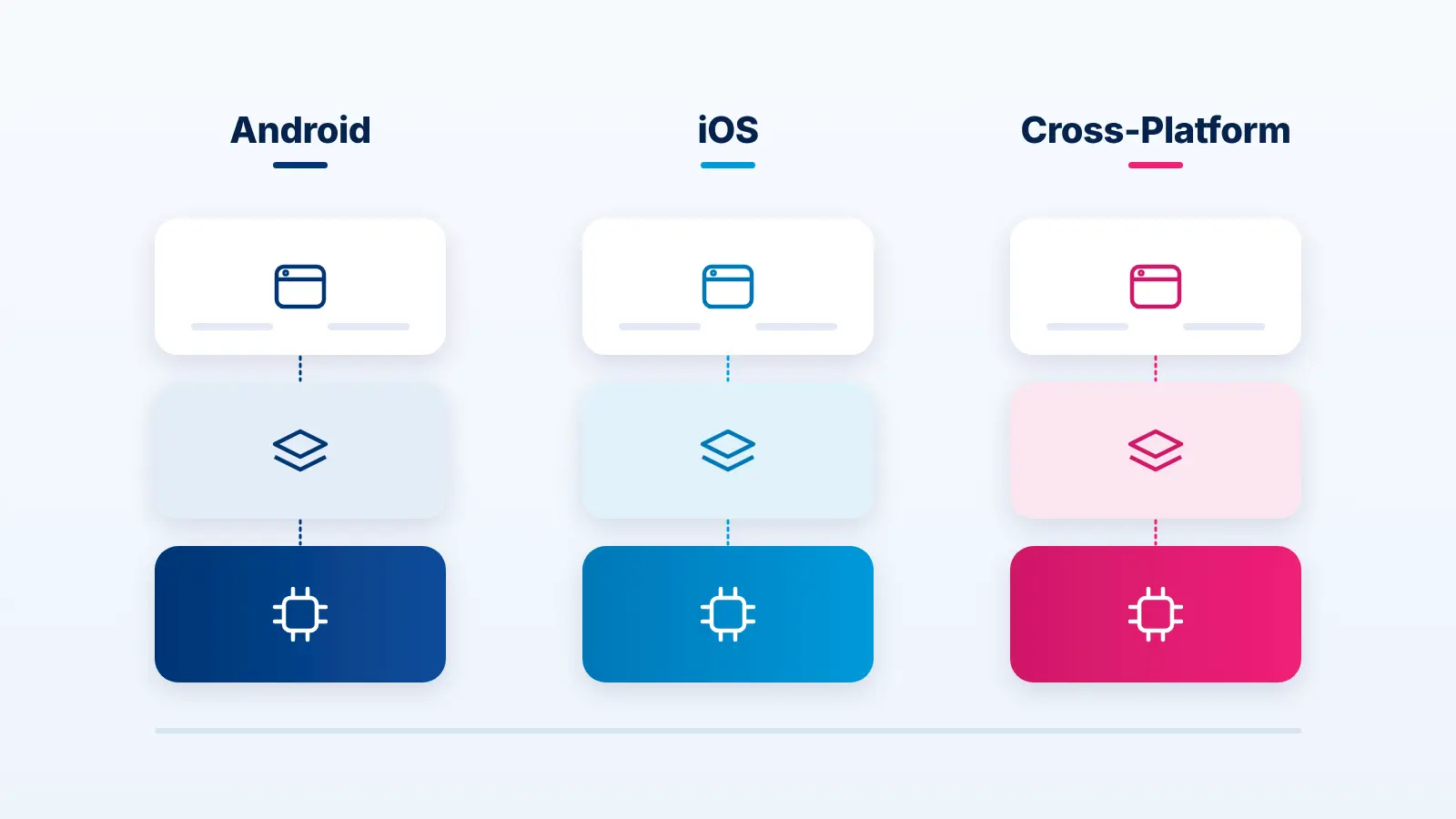
Choosing the right on-device AI frameworks is the first technical decision, and it depends on two questions: do you want a ready-made platform model, or do you need to run your own model? The options below cover both paths on each platform.
Gemini Nano is Google’s on-device foundation model. It runs inside the AICore system service, which handles hardware acceleration and keeps the model updated, so your app does not ship the model itself. Developers access it through the ML Kit GenAI APIs, which include ready-made summarization, proofreading, rewriting, image description, speech recognition and semantic search, plus a Prompt API for custom tasks and structured output.
LiteRT, the successor to TensorFlow Lite, is Google’s runtime for running your own models on device. LiteRT-LM sits on top of it to run open language models such as Gemma, handling conversation state and streaming output. It supports CPU, GPU and NPU acceleration across major chip vendors, and also runs on iOS, web and desktop.
AppFunctions are not a model but a way to make your app usable by AI agents. You declare tasks such as “create a booking” or “add to cart”, and assistants like Gemini can discover and run them locally, much like on-device MCP tools.
Teams planning a native build can explore our Android app development services for how these components fit into a production app.
The Foundation Models framework gives Swift apps direct access to the on-device model that powers Apple Intelligence. It handles summarization, entity extraction, text and image understanding and content generation. Guided generation returns typed Swift data instead of loose text, and tool calling lets the model call functions inside your app. For heavier reasoning, requests can be routed to Apple’s Private Cloud Compute.
Apple introduced Core AI as the next generation of Core ML, built for running neural networks and open language models on Apple silicon. It lets teams bring their own models into an app and use them through the same session API as Foundation Models. Core ML remains available for classic machine learning tasks and existing models.
ExecuTorch is the PyTorch runtime for running models on mobile and edge devices. React Native ExecuTorch brings it to React Native with ready support for open LLMs, vision models, speech-to-text, text-to-speech, OCR and embeddings for local search.
For Flutter teams, the ExecuTorch Flutter plugin runs ExecuTorch models from a single Dart API across Android, iOS, desktop and web, with support for vision models and experimental LLM streaming.
Cross-platform frameworks keep one codebase, but platform-native models like Gemini Nano and Apple’s Foundation Models still need native bridges. Many production apps combine both: native platform models where available, and a shared custom model elsewhere.
The current on-device LLM and vision models are best at focused, well-defined tasks. These are the features teams most often build with them.
The strongest features combine several of these. A receipt scanner, for example, pairs OCR with a language model that returns the merchant, total and category as structured data, all without an upload. For a wider list of tools that support these builds, see our roundup of AI tools for mobile app development.
Planning an on-device AI feature? Xicom’s AI engineers can help you pick the right framework, test it on real devices and ship it to production on Android and iOS.
Also Read: Android App Development Cost
On-device AI delivers the most value where data is sensitive, connectivity is unreliable or response time matters. These industries show the clearest fit.
Clinicians can dictate notes that are transcribed and summarized on the phone, and patients can scan prescriptions or lab reports without uploading them. Keeping protected health information on the device reduces exposure, though it does not remove the need for a full compliance review. Our guide to HIPAA-compliant app development covers the wider requirements.
Apps can read cheques, invoices and receipts, categorize spending and flag unusual activity locally. Financial documents stay on the device, and features keep working during network drops in the middle of a transaction.
Shoppers can search a catalog by photo, get product suggestions based on in-app behavior and use offline search inside large stores. Because recommendations are computed locally, personalization does not require sending browsing history to a server.
Technicians and drivers often work with weak coverage, which makes field services one of the clearest cases for edge AI in mobile apps. On-device models can read meter values, detect equipment damage from a photo, transcribe job notes and scan delivery labels, then sync results when the connection returns.
Travelers can translate speech and signs offline, scan boarding passes and booking documents, and ask an in-app assistant about their own itinerary. These are exactly the moments when roaming data is expensive or unavailable.
The process to build an on-device AI app follows the same discipline as any product feature, with extra attention to devices and model size.
Start with one task the model must do well, such as summarizing a support chat or extracting fields from an invoice. Write down the input, the expected output and what “good enough” looks like. On-device models perform best on focused tasks, not open-ended conversation. If you are unsure which use case will pay off first, an AI consulting exercise can help rank options by value and feasibility.
Review which devices your users actually own. Platform models run only on supported hardware, for example Apple’s model requires an Apple Intelligence-capable device. This tells you how many users get the on-device experience and how many need a fallback.
Use a platform model like Gemini Nano or Apple Foundation Models when it covers the task. Choose LiteRT, Core AI or ExecuTorch when you need a custom, fine-tuned or open model. React Native and Flutter teams should also decide which parts run through native bridges.
Custom models must be made small enough for a phone. Quantization stores model weights at lower precision, and compression removes parts that add little accuracy, both reducing size and memory use. Test accuracy after each step, because aggressive optimization can lower output quality.
Connect the model to your app’s screens, data and business logic. Add structured output so results feed directly into the app, and design a fallback path, either to a cloud model or a simpler non-AI flow, for unsupported devices. For a broader look at this phase, see our guide on how to build an app with AI.
Emulators do not show real performance. Test on low, mid and high-end phones and measure response time, memory, battery use and heat, plus output quality on real user data.
Platform models are updated by the operating system, and your prompts may need adjusting when they change. Custom models need a delivery and versioning plan. Track quality in production so you know when a model or prompt update is needed.
Budget depends heavily on whether you use a platform model or train and optimize your own. Our breakdown of the cost to build an AI-integrated app explains the main cost drivers.
On-device AI removes cloud costs and privacy risk, but it brings a different set of engineering problems. Planning for them early prevents most launch delays.
Android in particular spans thousands of devices with very different chips and memory. Solution: set a minimum supported device tier, detect model availability at runtime and route other users to a cloud or non-AI fallback.
Custom language models are large files that can add significantly to app size, which hurts downloads and installs. Solution: prefer platform models where possible, quantize custom models, and download models after install rather than bundling them.
Long or frequent inference drains the battery and can make the phone warm. Solution: keep prompts and outputs short, run heavy tasks only when the user asks, and reuse model sessions instead of reloading the model.
Platform models are not available on every device, language or region, and users can switch some features off. Solution: check availability before showing an AI feature, and design the interface so the app still works without it.
When a platform model is updated, the same prompt can produce different results. Solution: version your prompts, keep a test set of real inputs, and run it against every model or OS update. For custom models, an experienced AI development team can set up the evaluation and update pipeline alongside the app.
On-device AI has moved from a niche capability to a standard option for mobile apps. Gemini Nano and Apple’s Foundation Models cover common text and image tasks with no model hosting, while LiteRT, Core AI and ExecuTorch handle custom models on Android, iOS and cross-platform stacks.
The teams that succeed start with one focused use case, plan for device support and fallbacks from day one, and test on real hardware before launch. Whether you are adding a single on-device LLM feature to an existing app or planning a new product, the right architecture choice early will shape cost, privacy and user experience for years.
If you are building natively, our iOS app development and mobile app development services teams work with these frameworks in production apps.
On-device AI is artificial intelligence that runs directly on a phone or other device instead of on a cloud server. The model processes data locally, so features work offline, respond faster and keep user data on the device.
On Android, the main options are Gemini Nano through ML Kit GenAI APIs and LiteRT for custom models. On iOS, teams use the Apple Foundation Models framework and Core AI. React Native and Flutter apps can use ExecuTorch-based libraries.
No. Platform models like Gemini Nano and Apple’s Foundation Models run only on supported devices with enough memory and neural processing power. Apps should check availability at runtime and offer a fallback for other devices.
It reduces risk because sensitive data does not leave the phone during inference. It is still important to secure local storage, follow platform privacy rules and complete compliance checks for regulated data.
A feature built on a platform model such as Gemini Nano or Apple Foundation Models can move from prototype to production fairly quickly. Custom models take longer because of training, optimization and device testing. Scope, device support and fallback design are the biggest timeline factors.
Yes. Most teams add on-device AI as a new feature inside an existing app, starting with one focused use case. The main work is integrating the framework, handling device support and testing performance on real phones.

Based on this article's topic
Swift vs Objective-C compared on safety, concurrency, performance, interop and hiring, plus a practical playbook for migrating legacy iOS code.
Jetpack Compose in 2027: learn what it is, how it compares with XML, why Android 17 is Compose-first, and how to plan your Android app migration and costs.
SwiftUI vs UIKit in 2027: compare cost, speed, AI features and foldable support to choose the right framework for your iOS app, with a clear migration path.